01
Aim & throw
Swipe upwards. The direction and length of your swipe shape your banana’s flight.
A pirate, a boat and a jungle full of cheeky monkeys. Aim with a swipe, send bananas flying and dodge incoming coconuts. How long can you stay on top?
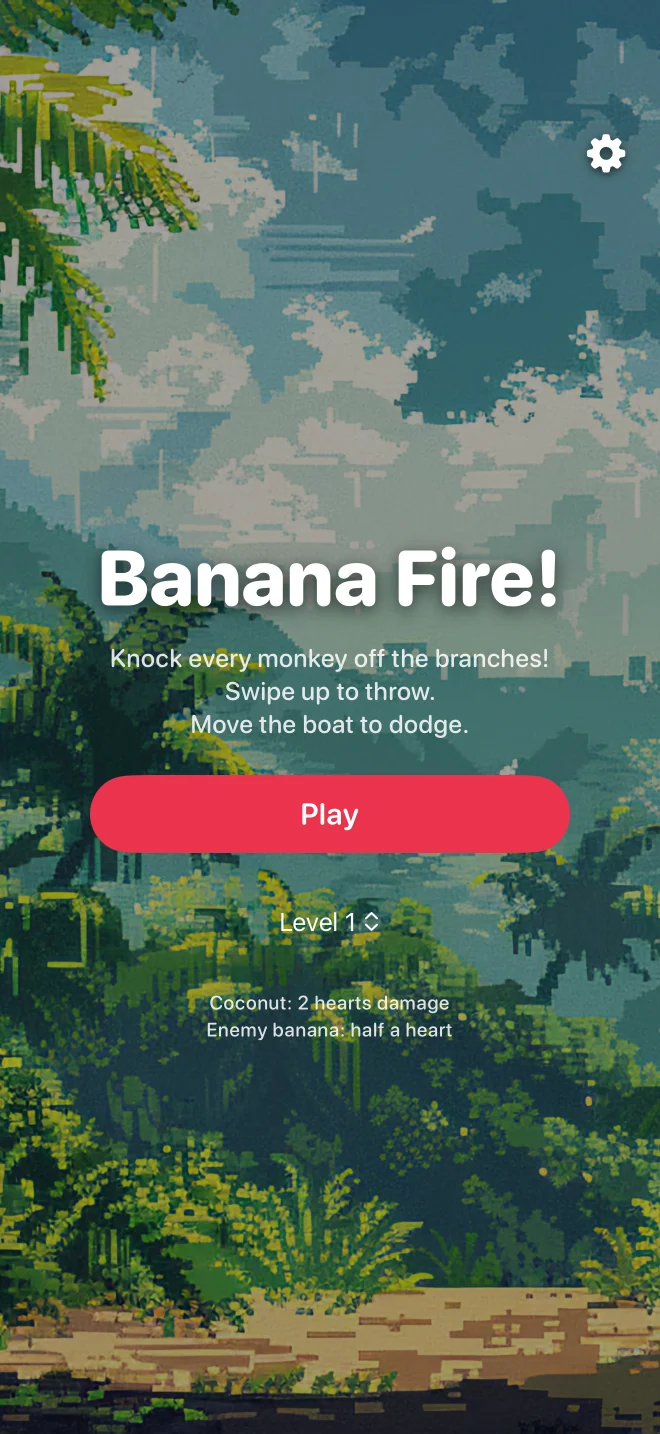
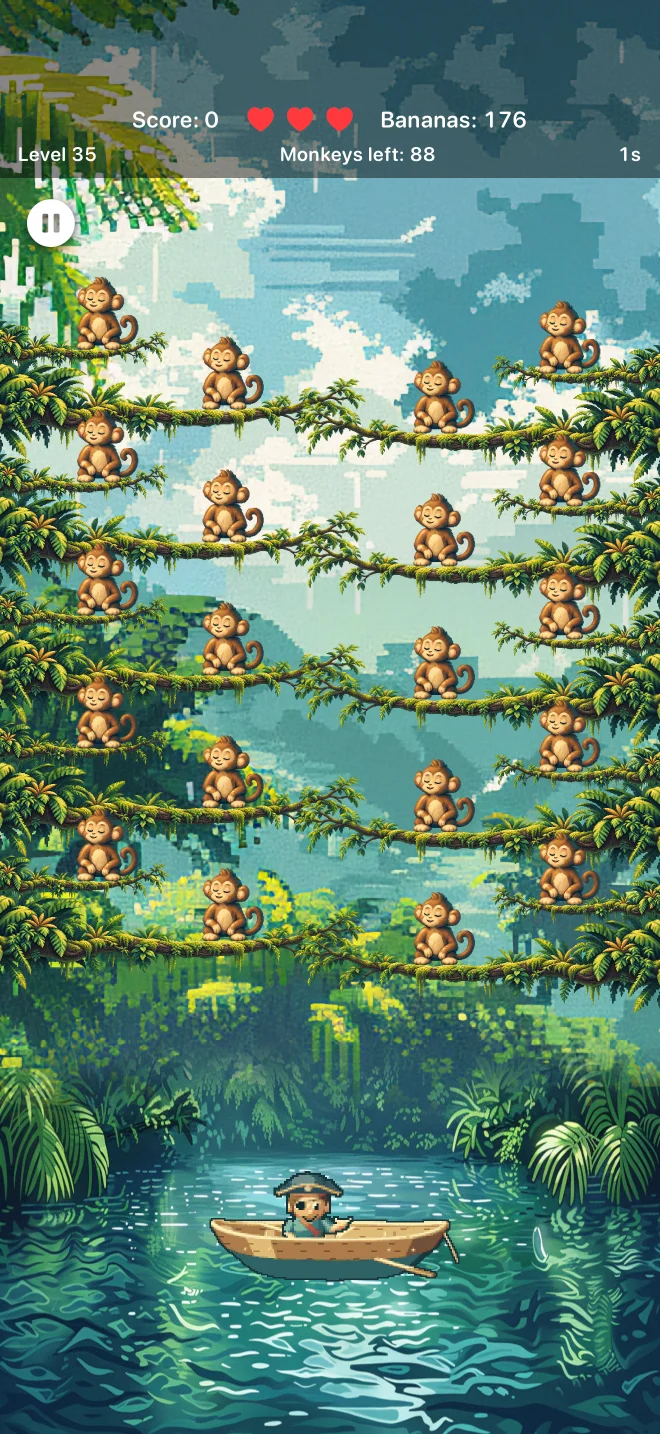
Actual in-game screenshots
Easy to pick up, with a fresh challenge in every round.
Swipe upwards. The direction and length of your swipe shape your banana’s flight.
Drag the boat left or right to move your pirate out of the path of incoming shots.
Clear the branches, defeat the reinforcements and unlock the next challenge.
Your high score, unlocked levels and audio settings stay locally on your device.
From your first throw to 20 monkeys at once: this is Banana Fire! on iPhone.
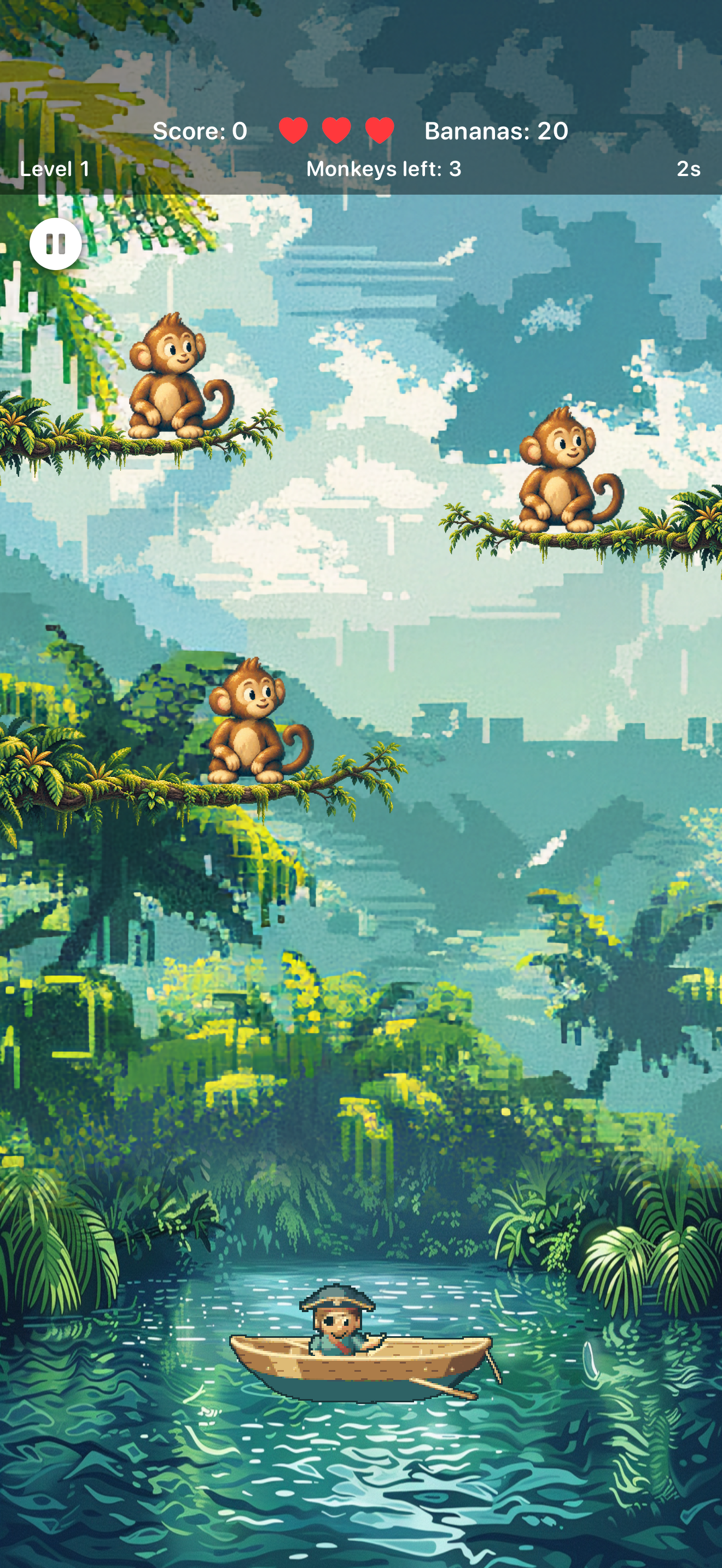
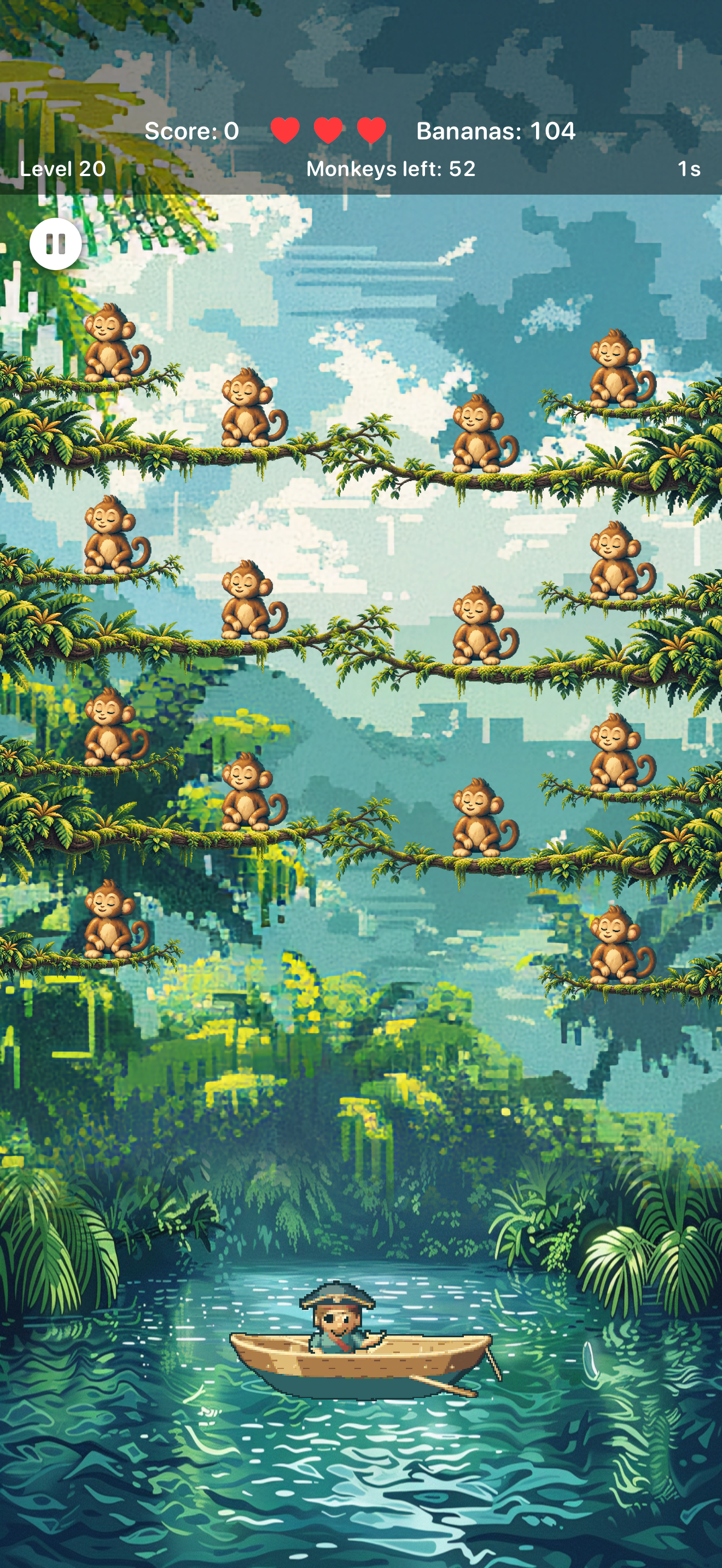
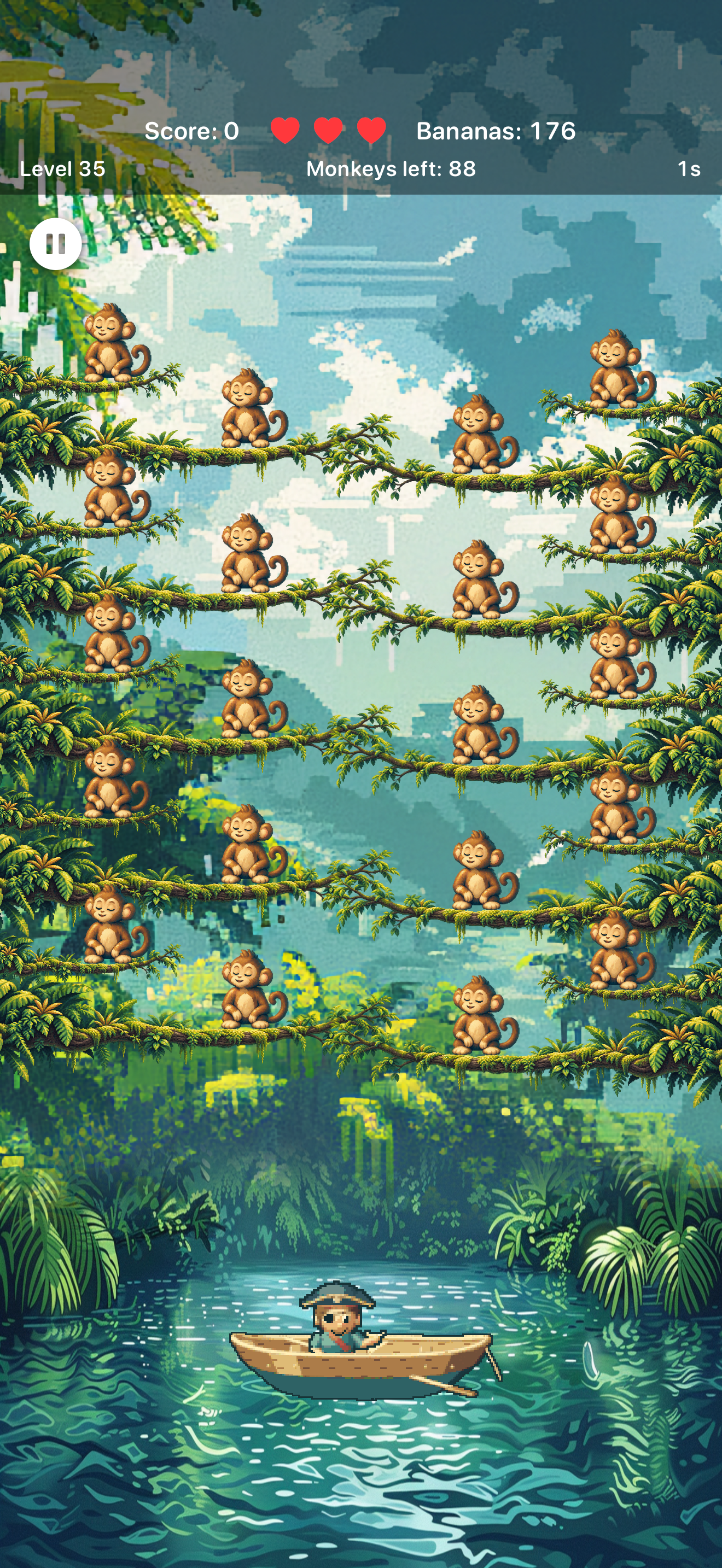
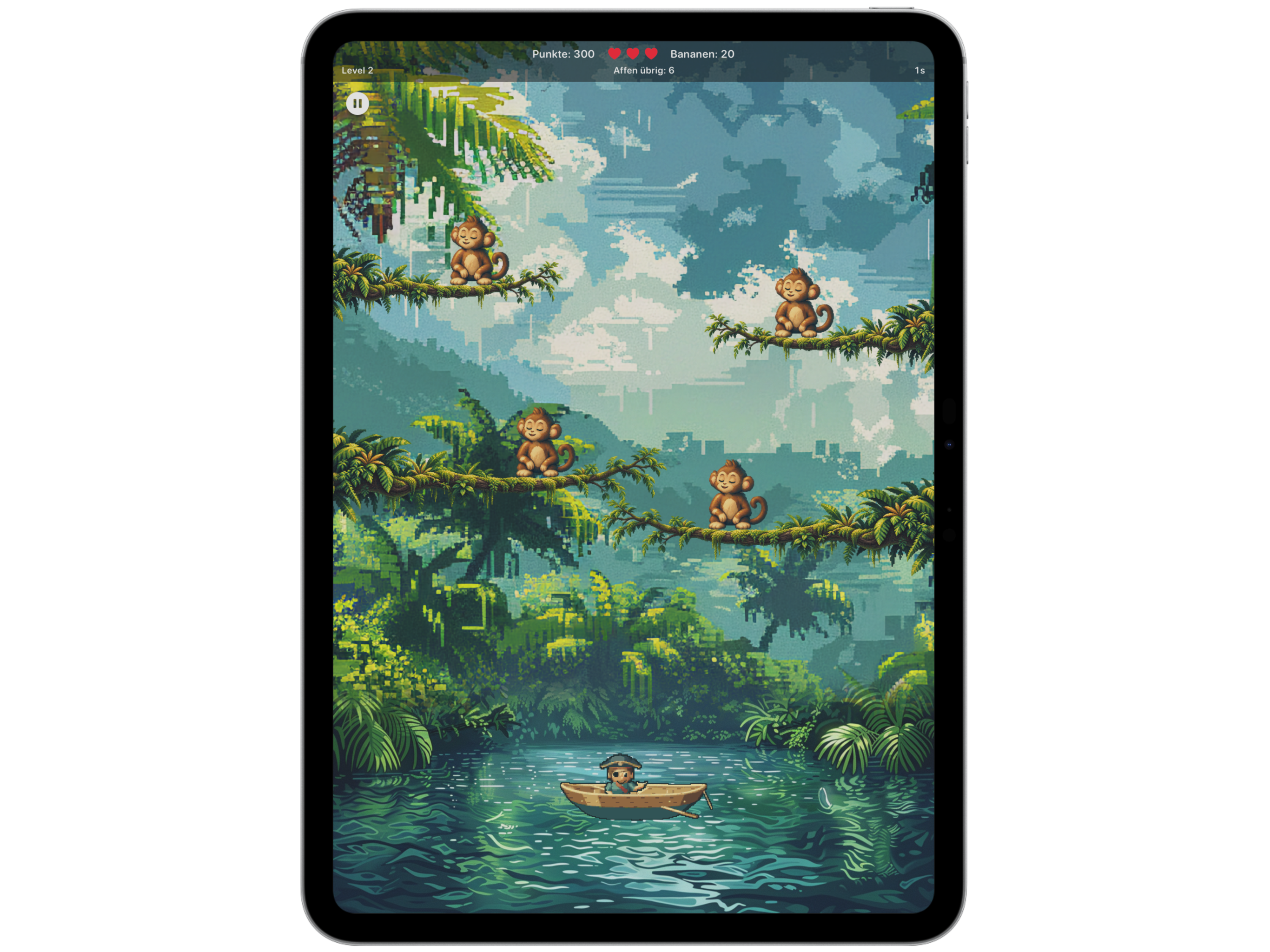
Play on your iPhone on the go or enjoy more room on iPad. The playing field adapts to your screen, with landscape play on iPad too.
Swipe upwards on the playing field. Direction controls your aim; swipe length affects the throw. Drag the boat along the bottom to dodge.
Monkeys get smaller and their branches sit closer together. There are 14 at level 20, 16 at level 25, 18 at level 30 and up to 20 at once from level 35.
You need the App Store to download the app and updates. The game itself works offline.
The app does not send gameplay or usage data to us. Your high score, unlocked levels and settings are saved on your device. See the app privacy policy for details.
A question about the game or a bug to report? Send us your device model, iOS version and a short description.